
View toggles, color coded tiles, product reviews & more
We’ve learned a lot in our first week of navigating the new store. We’re still in the process of cleaning up and refining the website, but so far it’s been a great time-saver for us and a smooth experience for most customers. There are definitely still kinks that we need to iron out, so we appreciate your patience in the meantime.
Our first post about the new store tackled all of the practical issues—logging in, checking out, picking up, accessing information—and with this new article, we want to highlight something more fun! Below you’ll find a list of specific features and design details that we hope make browsing Sweet Maria’s and Coffee Shrub more efficient, beneficial and enjoyable for all roasters who decide to drop by.
Grid & List View Toggle for Green Coffee
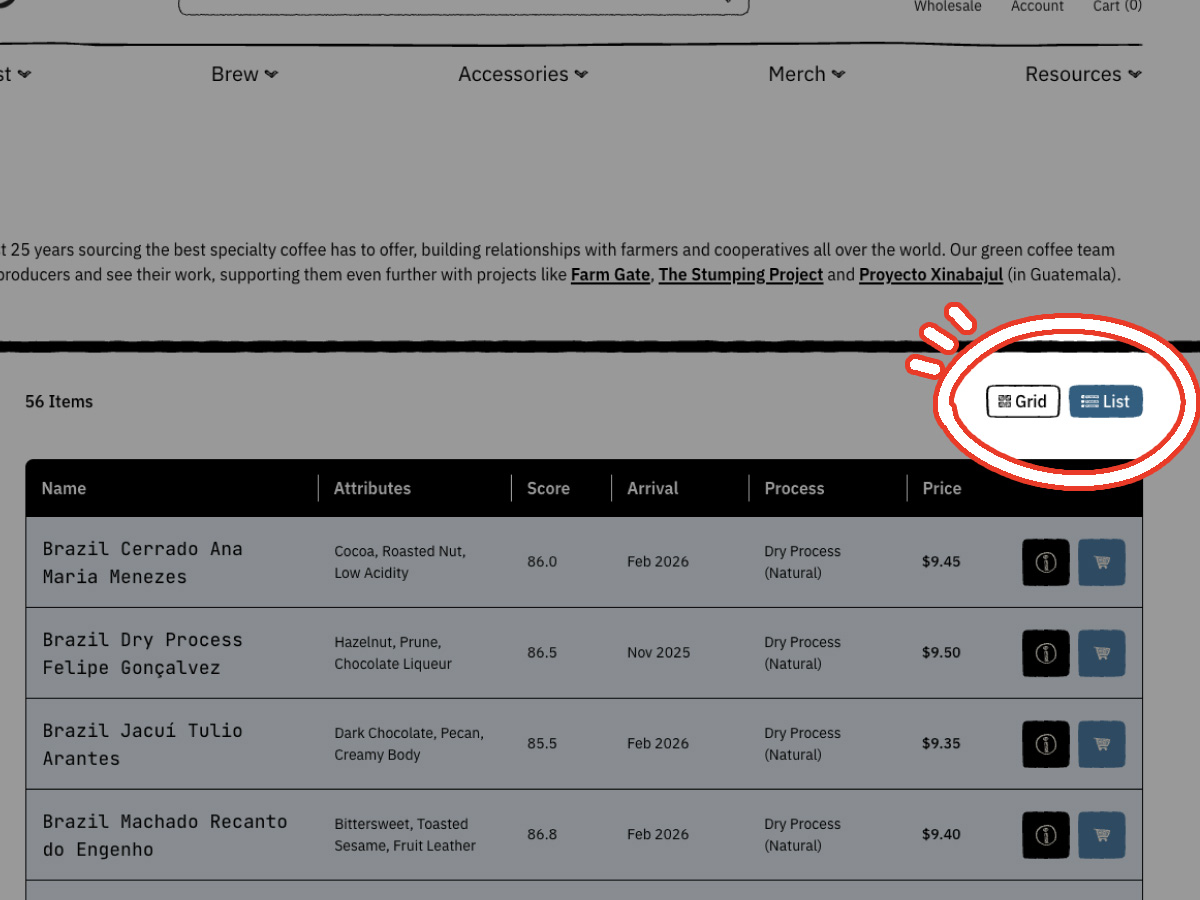
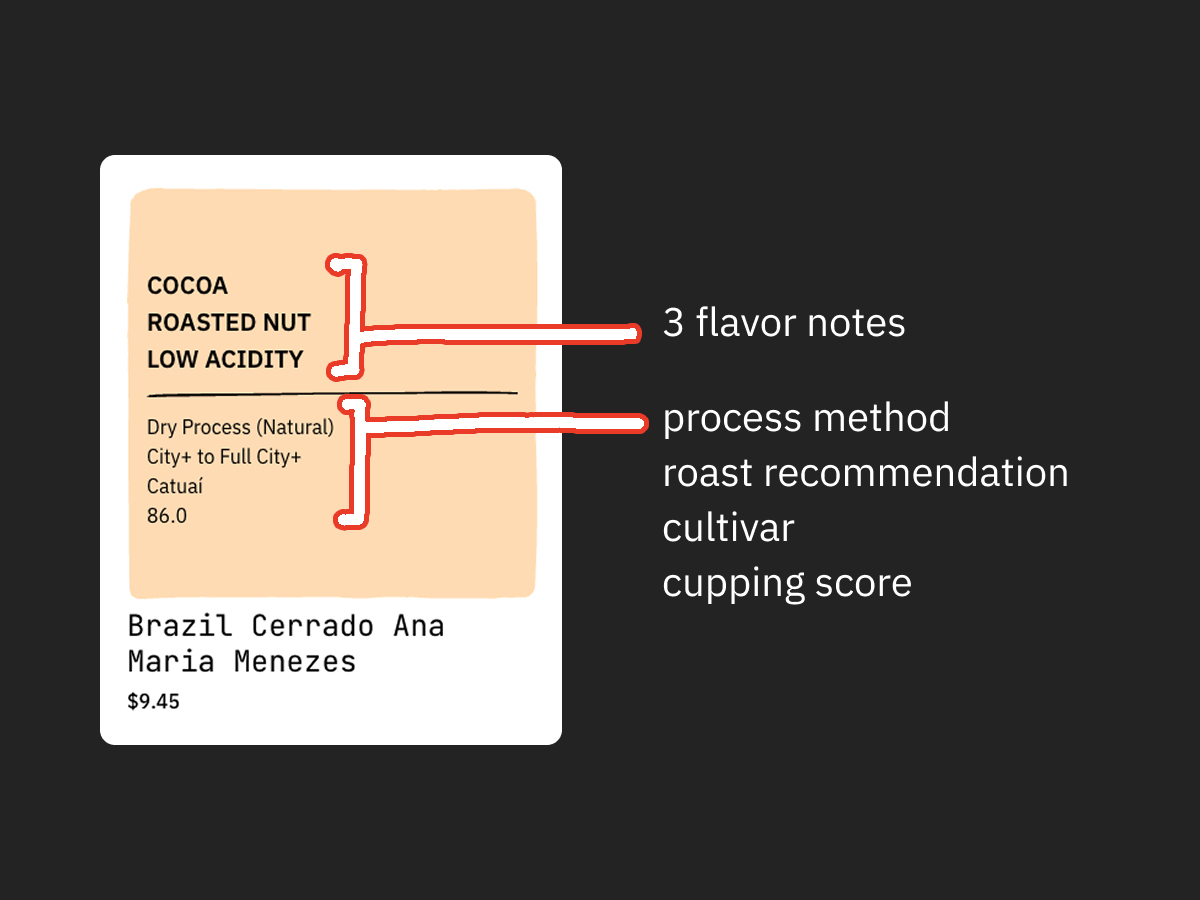
On our old website, some categories appeared in a list view, while others appeared as a grid view. We wanted to keep and improve both views while offering customers the ability to select the layout they preferred. To do that, we added the option to toggle between the different display modes, and also increased how much information is presented upfront. See a breakdown of what information each view offers below.
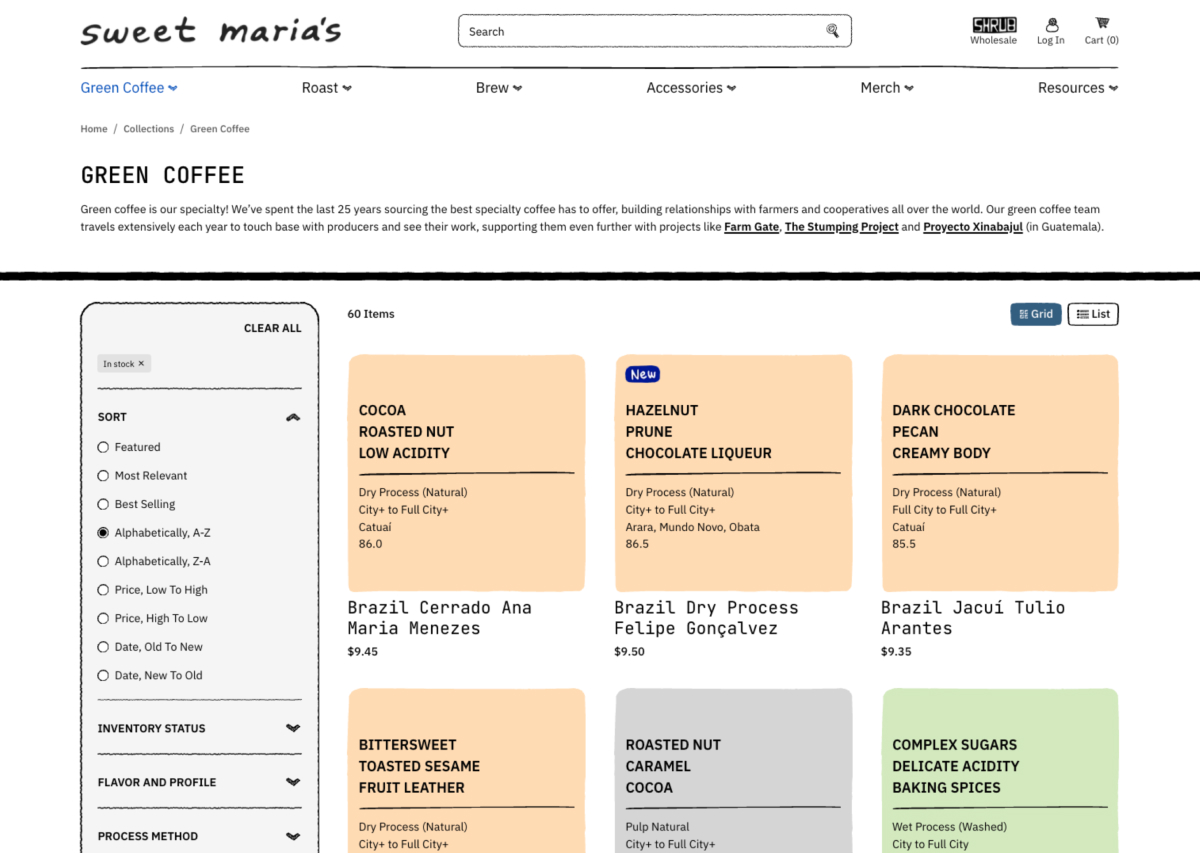
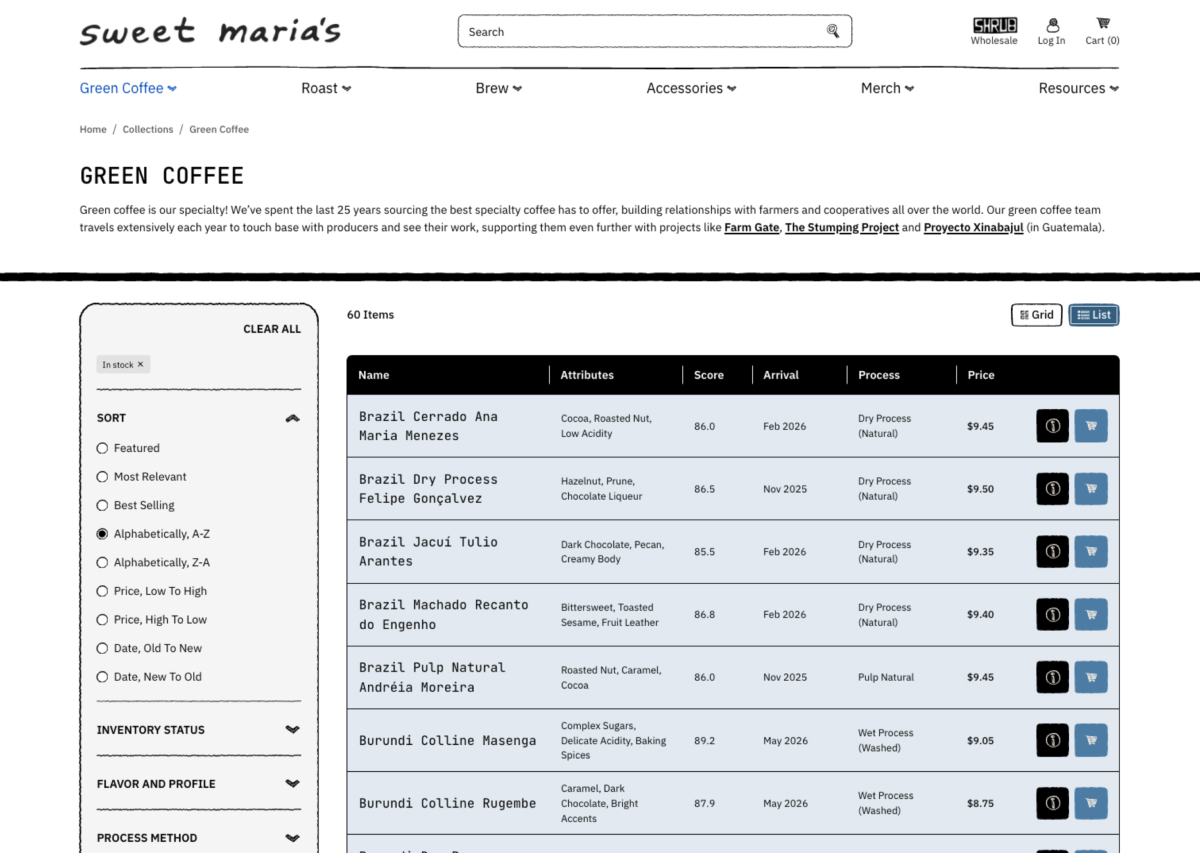
| Grid View | List View |
| 3 Flavor Attributes Processing method Roast recommendation Cultivar Cupping score | 3 Flavor Attributes Cupping score Arrival date Processing method |
If you prefer the colorful grid view, you can easily toggle between views by clicking the corresponding button, which is located below the page information, on the upper corner of where the product list starts.
See More Info With Add to Cart
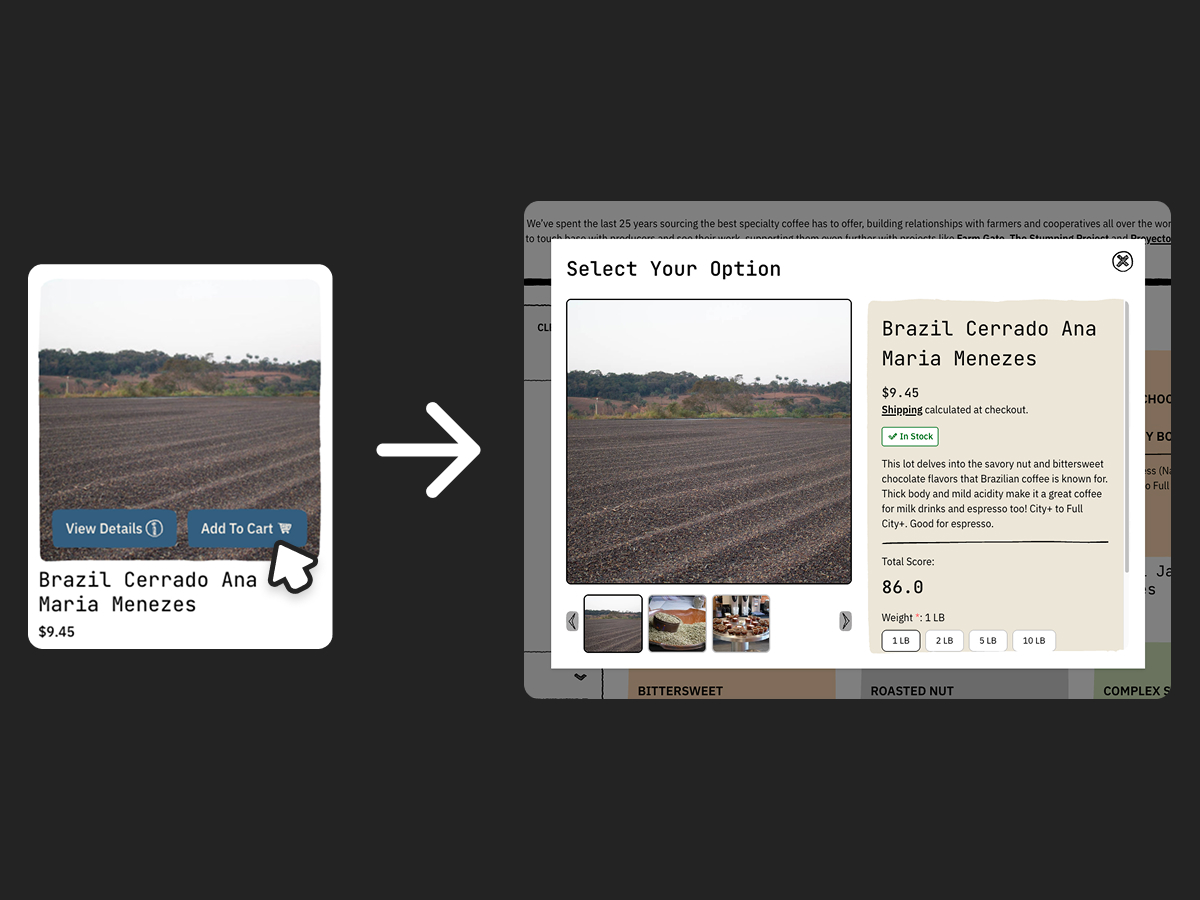
In tandem with the two view modes, we’ve also updated the Quick View function. Quick View can now be accessed by clicking the “Add to Cart” button, which will bring up an abbreviated product page with key info. Looking for the full review? You can click the coffee name within Quick View or click out and hit the “View Details” button instead. It’ll take you straight to the product page.
You should be able to see each coffee’s flavor and cupping charts in this view. We’re in the process of making sure these charts automatically appear in the images for each green coffee, and will share an update here once that issue is resolved. If you notice a coffee missing its charts, give us a heads up at [email protected] and we’ll get it fixed!
New Coffee Product Tiles
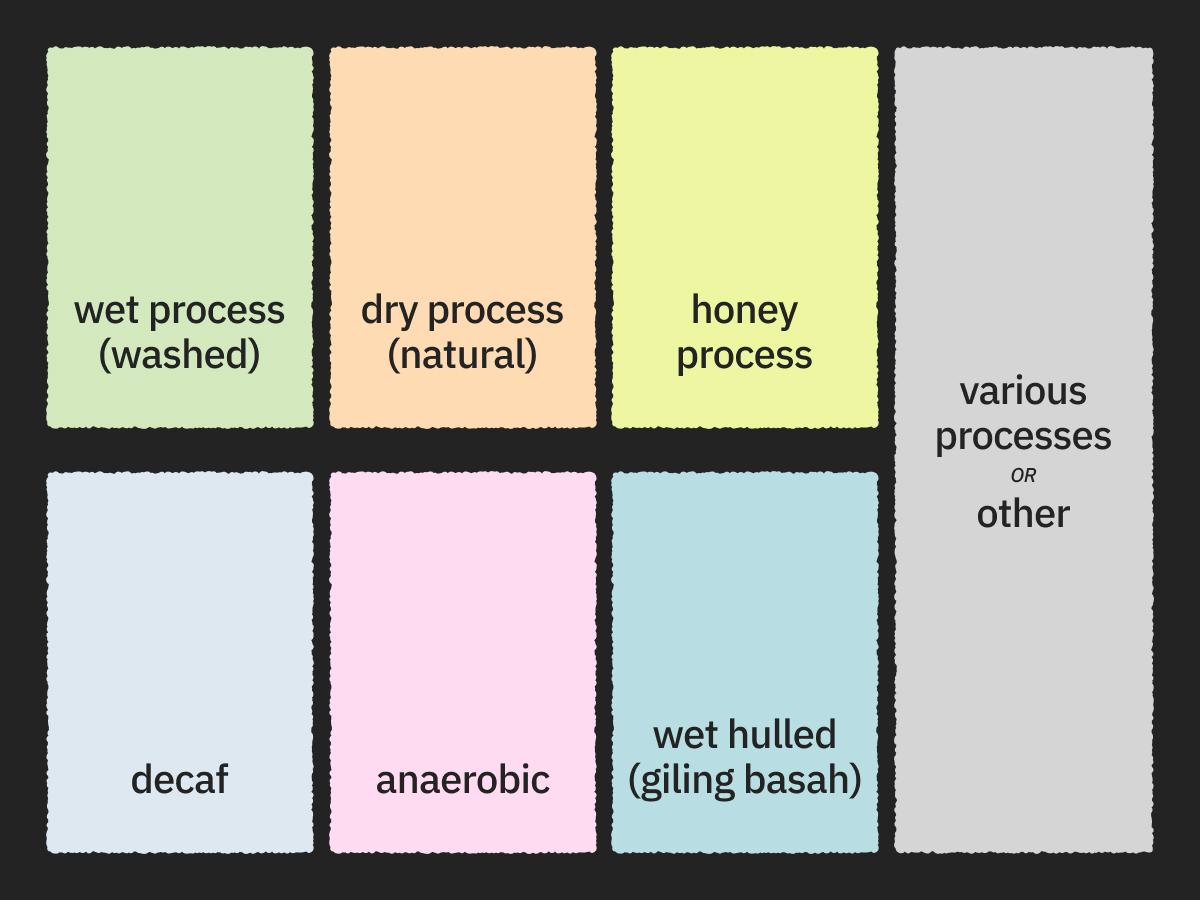
Our grid view features colorful product tiles, and they slightly differ from the list view in the kind of information they display. The tiles are also color coded! Each one corresponds to a processing method:
- Green – Wet Processed (Washed)
- Orange – Dry Process (Natural)
- Yellow – Honey Process
- Pink – Anaerobic
- Dark Blue – Wet Hulled
- Light Blue – Decaf
- Gray – Other or Various Processing Methods
Coffee and Product Reviews
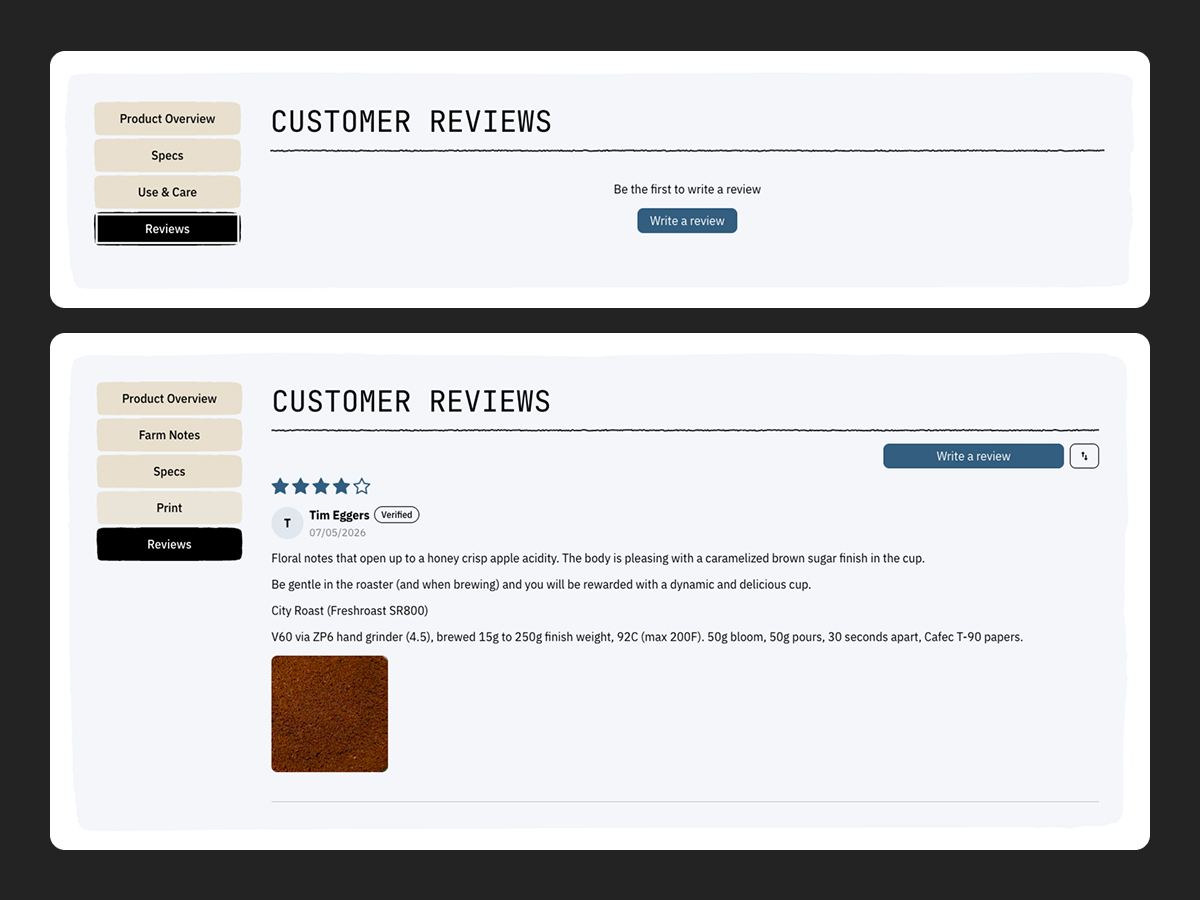
We’ve added a new review feature, available across all of our green coffee, roasting and brewing products. The goal for this feature is to publish helpful and insightful comments, regardless of whether it’s a positive or negative review. These submissions are monitored by our staff, manually approved and may take some time to appear on the live site.
We encourage customers to relay any important notes, suggestions and recommendations in their review, too. That can be anything from not hearing the cracks for a specific coffee while roasting on a Behmor, or using a soda can tab to keep the Poppo’s roast chamber in place. If you don’t see it in our own overview, or have unique conditions that make your experience differ from ours, it might help someone else to share it.
Here’s a good example of one from Tim Eggers with a brewing recipe (Thanks, Tim!):
Coffee Shrub Integration
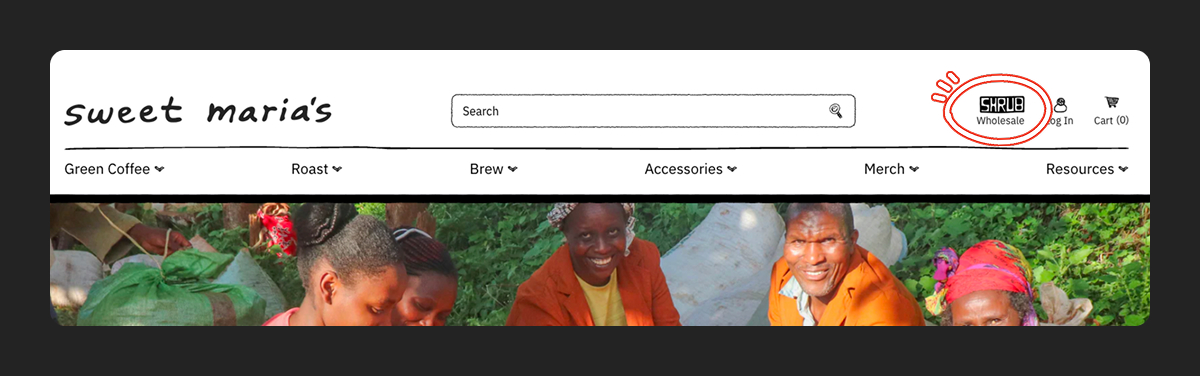
As we mentioned in our first post about the new website, our wholesale side, Coffee Shrub, now lives on the same platform as Sweet Maria’s. This means you can 1) have access to both B2C (Sweet Maria’s) and B2B (Coffee Shrub) catalogs on one account, and 2) check out all in one go.
An approved business account is required for purchase on Coffee Shrub. There is no guest check out. Check out the first post for more information on how to get Coffee Shrub access.